
Scaling Claude Code Skills Without Burning Context
Scalable, Accessible, Documentation for Claude


You’re working with Claude Code on a React component. Claude reads your file, then this appears:
[SKILL CATALOG] 2 Relevant Resources Available

After reading: src/components/UserProfile.jsx

  1. React Hooks Best Practices (81%)
     Patterns for hooks, state management, effect dependencies...
  2. Component Testing Patterns (67%)
     React Testing Library patterns, user-event simulation...

  Load: python .claude/hooks/query_skill.py “<skill_name>”
  Search: python .claude/hooks/query_skill.py --search “your query”
Claude didn’t know these resources existed until it read your code. You didn’t paste documentation into the prompt. The system discovered relevant skills automatically based on what Claude was looking at.
This is the Semantic Skill Catalog: a way to give AI assistants access to your team’s documentation, coding standards, and best practices without burning context window on everything upfront.
The Problem

Claude Code has a built-in skill system. You create a SKILL.md file with a title and description, and Claude sees it’s available. This works, but it has a scaling problem.
Every skill’s title and description is always in Claude’s context. Five skills? Fine. Twenty skills? You’re burning tokens showing Claude options it doesn’t need for the current task. A hundred skills? Context dilution becomes real. Claude is processing metadata about game development patterns while working on authentication code.
The built-in system gives Claude awareness of what exists. But that awareness has a cost: constant background token burn for irrelevant options.
What you want: Claude only sees skills relevant to what it’s currently working on. Everything else stays invisible until it matters.
The Solution
Store your documentation in a vector database (ChromaDB). When Claude reads a file, a hook extracts the content, searches for semantically similar documents, and shows Claude what’s available.
Claude decides whether to load it. If yes, full content appears in context. If no, work continues without token cost.
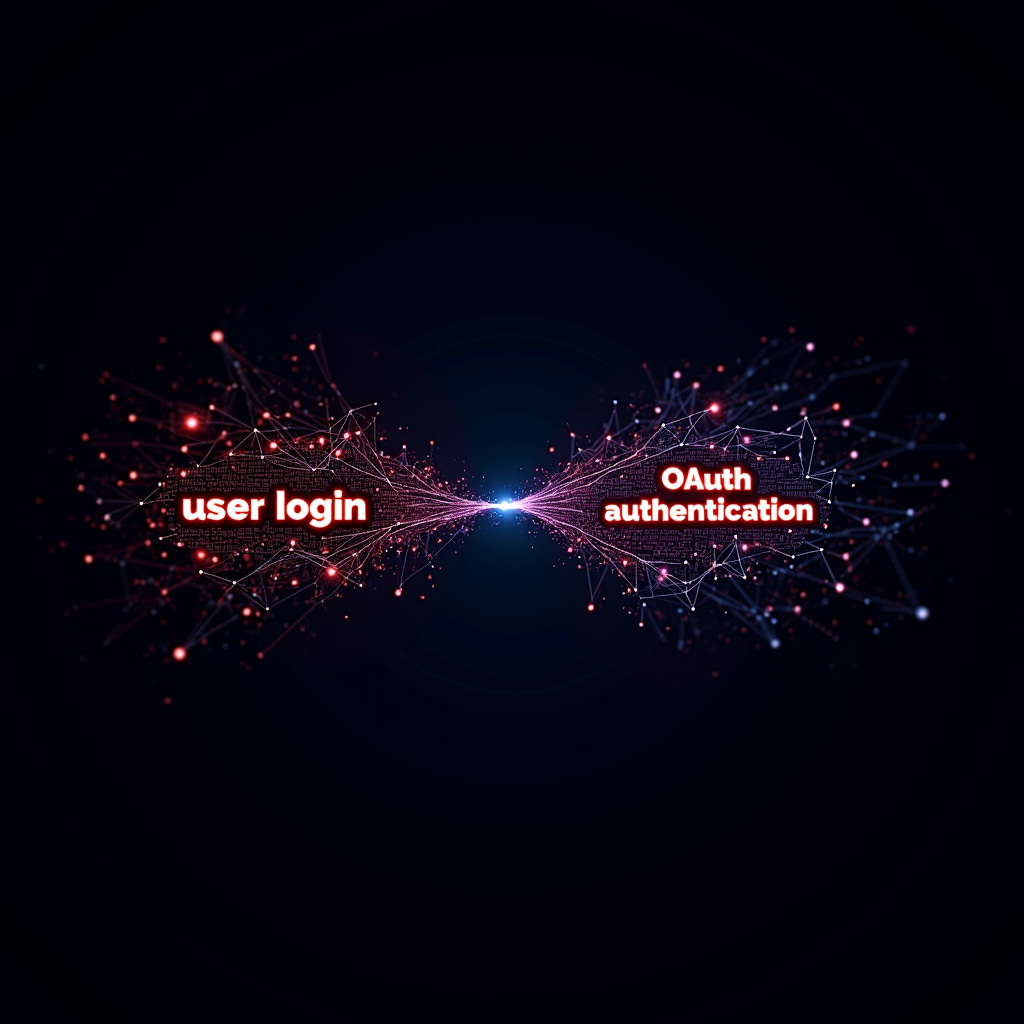
The key insight: semantic search, not keyword matching. Claude reading code about “user login flows” gets notified about “OAuth authentication patterns” even though the words don’t match. The meaning matches.
How It Works
Two hooks trigger skill discovery:
When you send a prompt: The system searches for skills relevant to your task before work begins. If it finds good matches (>30% relevance), you see suggestions:
[SKILL SUGGESTIONS] Based on your prompt:

  1. Authentication Patterns (73%)
     OAuth flows, JWT handling, session management...

  Load: python .claude/hooks/query_skill.py “Authentication Patterns”
When Claude reads a file: The system extracts the first 500 characters, searches for related skills, and shows what’s relevant (>25% threshold):
[SKILL CATALOG] Relevant Resource Available

After reading: src/auth/login.py

  1. Security Best Practices (78%)
     Input validation, session handling, common vulnerabilities...

  Load: python .claude/hooks/query_skill.py “Security Best Practices”
When nothing matches: The system records a “skill gap” for later review. You can see which domains need better documentation.
[SKILL GAP] No relevant skills found (best match: API Patterns @ 18%)

For file: src/utils/newFeature.py
Domain hints: python, authentication
Each skill is shown once per session. But if Claude encounters a context where the same skill is much more relevant (20% higher than before), it re-notifies. A skill that seemed marginally useful when reading a config file might become critical when reading the actual implementation.

Setup and Usage
Install ChromaDB:
pip install chromadb
Managing skills:
# List available skills
python .claude/hooks/query_skill.py --list

# Search for skills
python .claude/hooks/query_skill.py --search “authentication patterns”

# Load a specific skill
python .claude/hooks/query_skill.py “Skill Name”

# Add a single skill from a markdown file
python .claude/hooks/setup_chromadb_example.py add “My Skill” “./docs/skill.md”

# Load all skills from a directory (looks for */SKILL.md)
python .claude/hooks/setup_chromadb_example.py load “./my-skills-dir”

# Remove a skill
python .claude/hooks/setup_chromadb_example.py remove “Skill Name”
Skill file format: Create a markdown file. The first paragraph becomes the description shown in suggestions (used for semantic matching). The rest is full content loaded on request.
Brief description of what this skill helps with.
Include keywords that help semantic matching.

## Details
Your detailed skill content...
That’s it. Skills are discovered automatically as Claude works through your codebase.
The Numbers
Built-in skill system: Every skill’s title + description is always in context. 50 skills × ~100 tokens each = 5,000 tokens of skill metadata, every single prompt, whether relevant or not.
Semantic discovery: Zero tokens until a relevant skill is found. Then ~200 tokens for the notification. Full content (2,500 tokens) only when Claude actually requests it.
The difference compounds:
Skills in library Built-in (always loaded) Semantic (on-demand) 10 skills 1,000 tokens/prompt 0-200 tokens 50 skills 5,000 tokens/prompt 0-200 tokens 100 skills 10,000 tokens/prompt 0-200 tokens
With built-in skills, adding more expertise costs more context on every task. With semantic discovery, adding more expertise costs nothing until it’s relevant. The library can grow infinitely without affecting tasks that don’t need it.
Why Semantic Search Matters

Traditional search requires exact keywords. If your documentation says “OAuth authentication” but Claude reads code about “user login,” keyword search misses it.
Semantic search understands meaning. ChromaDB uses Sentence Transformers to create embeddings, vector representations of what text means. Code about “user login flows” is semantically similar to documentation about “OAuth authentication patterns” even though the words don’t match.
This is why the skill catalog works across different terminology. Your team’s documentation uses your team’s vocabulary. The code Claude reads uses whatever vocabulary the original author chose. Semantic search bridges that gap.
Configurable thresholds let you tune the behavior:
25% minimum relevance to show a skill (below this = skill gap recorded)
20% improvement threshold to re-notify about a skill in higher-relevance context
Up to 3 skills per notification, ranked by relevance
Advanced: Multi-Agent Workflows
If you’re using Claude Code with multi-agent orchestration (spawning separate Claude instances for different parts of a task), the skill catalog works across all of them. This is how we use it in the Response Awareness Framework, where planning, implementation, and verification agents each operate independently.
Each agent operates in its own context window. Each discovers skills independently based on what files it reads. Session tracking resets when agents complete, so fresh agents see relevant notifications.
This means you don’t need to predict which skills each agent will need. A planning agent reading architecture docs discovers design pattern skills. An implementation agent reading React code discovers React skills. A verification agent reading tests discovers testing strategy skills.
Different agents, different work, different skills discovered automatically.
Example Use Cases
Frontend work: Claude reads a React component. Gets notified about “React Hooks Best Practices” (81%). Loads it, applies current patterns instead of outdated ones from training data.
Security-sensitive code: Claude reads payment processing logic. Gets notified about “PCI Compliance Checklist” (74%). Loads it, catches security issues before they ship.
Testing: Claude reads a test file with incomplete coverage. Gets notified about “Test Coverage Strategy” (79%). Loads it, knows what types of tests matter for your architecture.
Database work: Claude reads query code. Gets notified about “Query Optimization Patterns” (76%). Loads it, applies performance patterns relevant to your database.
Each domain requires encoding your documentation once. After that, Claude discovers it automatically when working in that domain.
Under the Hood
The system uses Claude Code’s hook system:
post_tool_use.py: Triggers when Claude reads a file. Extracts content, queries ChromaDB, shows relevant skills.
user_prompt_submit.py: Triggers when you send a prompt. Searches for skills relevant to your task before work begins.
query_skill.py: Manual commands for listing, searching, and loading skills.
chromadb_client.py: Shared client that caches the embedding model for faster subsequent queries.
Session state is tracked in JSON files (.shown_skills.json, .skill_gaps.json). Notifications inject via exit code 2, appearing as system context.
Why This Matters
The built-in skill system forces a tradeoff: more skills means more context burn on every task. You end up curating a small set of “most important” skills and leaving out domain-specific expertise that might matter occasionally.
Semantic discovery removes that tradeoff. Add a hundred skills. Add a thousand. The cost is storage in ChromaDB, not context window on every prompt.
This is the difference between “Claude knows about the 10 skills I decided were most important” and “Claude discovers whatever’s relevant from everything my team has documented.”
What This Unlocks

Scalable expertise: Add documentation for any domain. Game development, web apps, data pipelines, infrastructure. Claude discovers what’s relevant contextually.
Skill gap analytics: The system tracks where your documentation falls short. Review .skill_gaps.json to see which domains need coverage. “We hit authentication gaps 12 times this week. Time to add OAuth documentation.”
Team knowledge sharing: Multiple developers share the same skill database. Your React patterns help their Vue work. Their security checklists improve your deployment code.
Contextual re-notification: A skill shown at 55% relevance when reading a config file might hit 85% when reading the actual implementation. The system re-notifies when skills become more critical.
This is about making Claude learn from your organization’s accumulated knowledge, on demand, contextually.
Try This Right Now
# Install
pip install chromadb

# Add your first skill
python .claude/hooks/setup_chromadb_example.py add “My Coding Patterns” “./docs/patterns.md”

# List available skills
python .claude/hooks/query_skill.py --list

# Search semantically
python .claude/hooks/query_skill.py --search “authentication”
Start with 3-5 documents you currently paste into prompts. Encode them as markdown files. Let Claude discover them contextually.
Then scale up. Add your team’s patterns, testing strategies, security checklists. Keep going. Watch your context window stay clean while Claude’s effective knowledge grows.
The skill catalog is part of the Response Awareness Framework, available to paid subscribers. But the core concept works anywhere: store documentation in ChromaDB, query semantically on file reads, surface what’s relevant. If you’re hitting the limits of Claude Code’s built-in skill system, semantic discovery is the path that scales.
Related Work